Rename Dashboard and Delete Dashboard
Delete Dashboard
Customized dashboards can be deleted except for the default dashboard.
To delete a dashboard, do the following.
-
Login as an administrator.
-
Go to the Dashboards screen.
-
Select the custom dashboard you want to delete.
-
Click the
 Delete icon.
 -
Confirm by clicking the [OK] button.
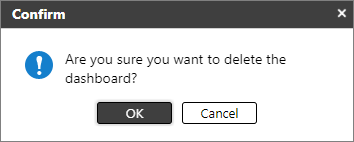
After a dashboard is deleted, the default dashboard will be displayed as the selected dashboard.
 You can create a new dashboard in Create Dashboard.
Rename Dashboard
You can modify the name of a customized dashboard, but you cannot do the same to a default dashboard.
To edit a dashboard's name, do the following.
-
Login as an administrator.
-
Go to the Dashboards screen.
-
Select the custom dashboard you want to rename.
-
Click
 Rename Dashboard icon.
 -
Modify the name. The name must not be a duplicate of the existing dashboards.
-
Click [OK].
