Generate Onboarding Codes
Generate time-sensitive onboarding codes to add devices and configure authentication agents.
There are three types of onboarding codes:
-
DM Agent - The DM Agent Deployment Tool will require this code to deploy RICOH CloudStream Device Management DM Agent embedded to Ricoh devices.
-
Auth Agent - Use this code to set up the Authentication Agent.
-
Work from Home Client - Use this code to install the Work from Home Client. The WfH Client enables WfH devices to be added to the CloudStream DM Device List.
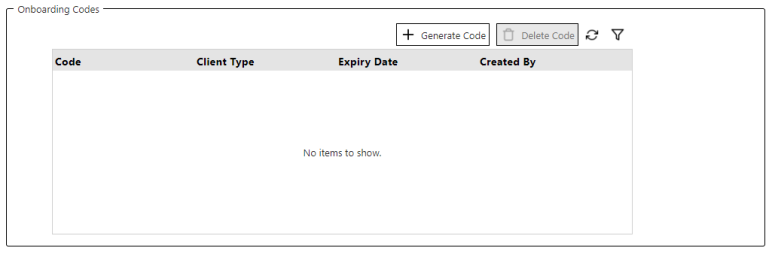
Follow the steps below to generate an onboarding code.
-
Login to CloudStream DM as administrator
-
On the left-hand navigation pane, click System.
-
Expand the Security sub-section.
-
Click Client Certificate.
-
Click [+ Generate Code].
-
Enter the onboarding code validity period in hours. Input value from 1 to 24 hours.
-
Select the Client Type. Refer to the above list for types of clients.
-
Click [Generate Code].
-
A code is generated and displayed in a dialog; you can click on the code at any time to copy it to the Windows clipboard.
-
Click [OK].
 The generated code is time-sensitive, so use the code before it expires. If the code expires, you can generate a new code again; just follow the steps above.
