Software Download
In this screen, you can download files that you will need for your device management and configuration.
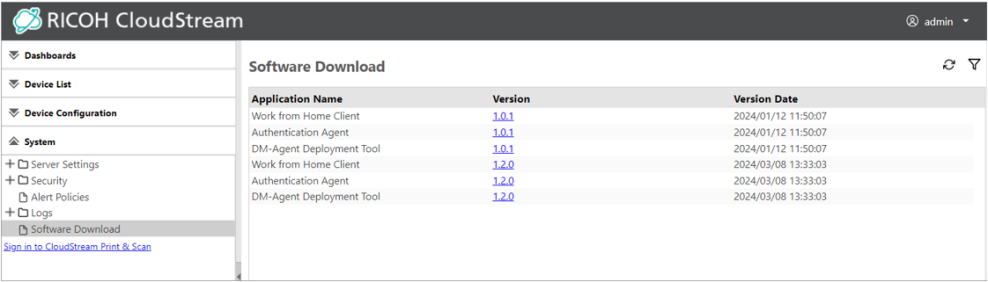
You can download the following installers from the System section.
-
Work from Home Client
-
Authentication Agent
-
DM Agent Deployment Tool
-
Device Monitoring Service
To download the above installers, please follow the steps below.
-
Login as an administrator.
-
Go to Systems.
-
Click Software Download.
-
In the list, click the version number of the application name you want to download.
The download will start immediately, please check your Downloads folder.
