Usage Reports
Use a Usage Reports standard template to create a report on function usage and output volume for a device.
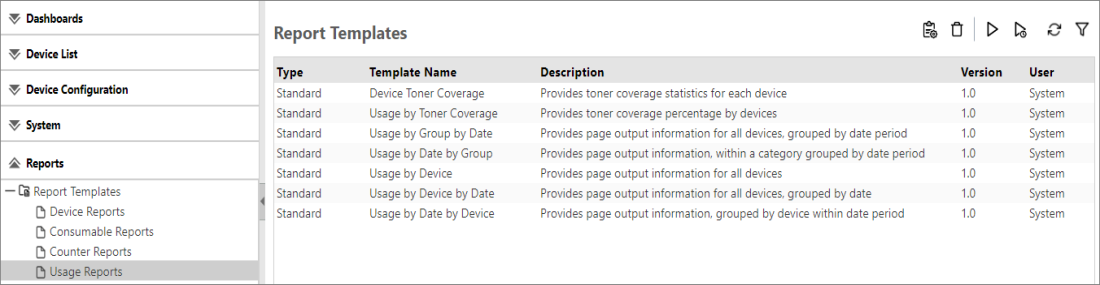
The table below lists all the standard templates of the Usage Reports category.
|
Usage Report Templates |
Description |
|---|---|
| Device Toner Coverage |
Use this report to view the toner coverage of all devices (by default), or the selected devices. |
|
Usage by Toner Coverage |
Use this report to view the ratio of output pages that correspond to each toner coverage category for the selected devices.
|
|
Usage by Group by Date |
Use this report to view the number of output pages by device group during a fixed period for devices being monitored. You can also view the number of output pages by device group and date in the detailed information. |
|
Usage by Date by Group |
Use this report to view the number of output pages by date during a fixed period for devices being monitored. You can also check the number of output pages by date for each category group in the detailed information. |
|
Usage by Device |
Use this report to view the number of output pages by device group for devices being monitored. |
|
Usage by Device by Date |
Use this report to view the number of output pages by device during a fixed period for devices being monitored. You can also view the number of output pages by device and date in the detailed information. |
|
Usage by Date by Device |
Use this report to view the number of output pages by date during a fixed period for the devices being monitored. You can also check the number of output pages by date for each device in the detailed information. |
Usage Reports are displayed like the image below: