Print Dashboard
Clicking the  Print icon will display a print preview of the dashboard; click the [Print] button to initiate printing.
A sample preview screen is displayed below.
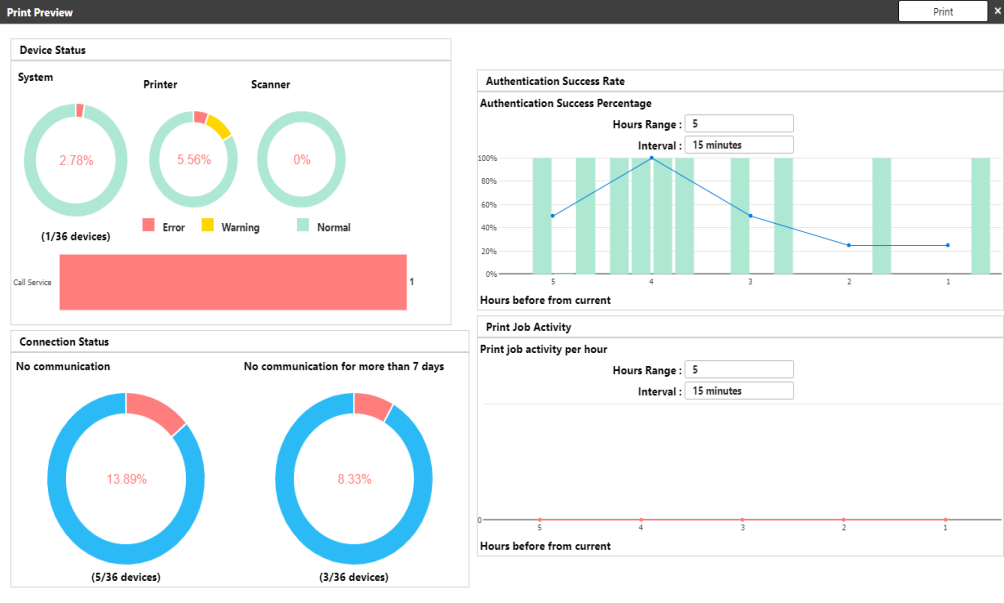
When the [Print] button is clicked, the operating system's standard printing screen is displayed.
Before proceeding, check if the destination is correct. Modify the destination if necessary, then click [Print] to start printing.
